How do you reset an iDRAC9 password or restore factory defaults?
Short answer
If the host OS runs and has Dell iDRAC Tools installed, run "racadm set iDRAC.Users.2.Password <new>" locally; no iDRAC login is needed. Without OS access, reboot, press F2 and open iDRAC Settings > User Configuration to set a new password, or choose "Reset iDRAC configurations to defaults all", which restores the root password printed on the information tag. "racadm racresetcfg -rc" resets the user to root/calvin instead.
Written against: the Dell iDRAC9 7.xx User's Guide and the iDRAC9 6.xx RACADM CLI Guide for PowerEdge 14G, 15G and 16G (R640, R740, R650, R750, R660, R760)
What is the default iDRAC9 username and password?
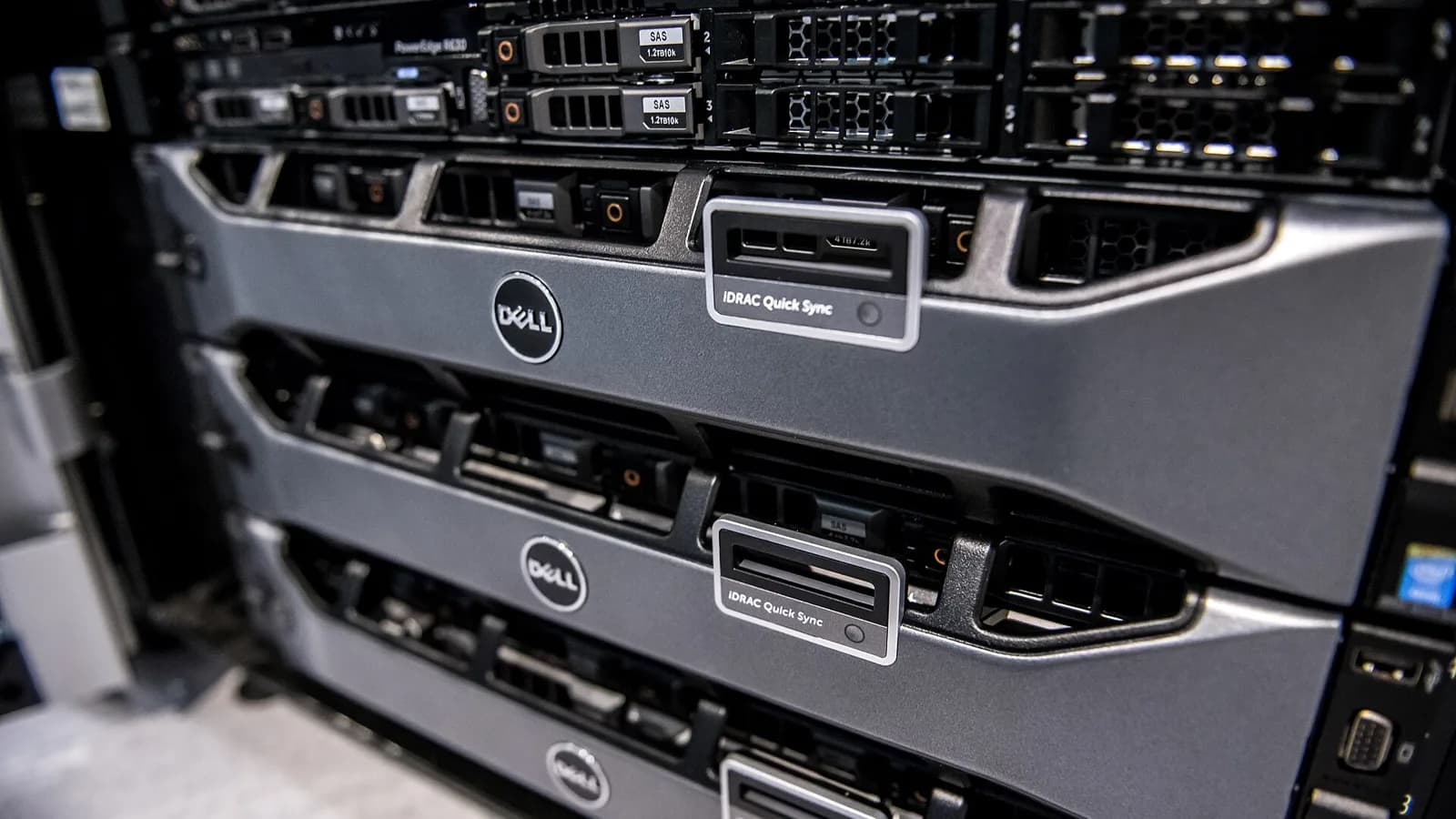
The username is root. Since 14G, each PowerEdge ships with a unique random iDRAC password printed on the system information tag, the pull-out tag at the front of the chassis next to the service tag. If the buyer chose the legacy password option when ordering, the password is calvin and the tag does not show one. Dell lists the PowerEdge C6420, M640 and FC640 as using calvin by default.
Keep this in mind before any reset: Dell states that resetting iDRAC to factory defaults returns the password to the one the server shipped with. On a refurbished unit, read the tag first. If the tag is missing or unreadable, use the reset option that sets root/calvin.
How do you change the iDRAC password in F2 System Setup?
This path needs physical or console access and one host reboot, but no OS and no iDRAC credentials.
- Reboot the server and press F2 during POST.
- Open iDRAC Settings from the System Setup Main Menu.
- Open User Configuration and enter the new password in the Change Password field.
- Press OK, go Back, click Finish and confirm with Yes to save.
- Exit System Setup and let the server boot.
Lifecycle Controller (F10) reaches the same settings through System Setup > Advanced Hardware Configuration > iDRAC Settings. Use it when F2 is password-protected by a BIOS setup password you do not know; otherwise the F2 route is shorter.
How do you reset the iDRAC password from the host OS with local RACADM?
Local RACADM talks to iDRAC through the in-band host interface, so it does not ask for iDRAC credentials. You need administrator or root rights on the OS and the Dell iDRAC Tools package (or OpenManage Server Administrator) installed; ESXi needs the VMware build of the tools. The factory root account sits in user slot 2, but confirm the slot before you write to it.
# Check which account is in slot 2 (normally root)
racadm get iDRAC.Users.2.UserName

# Set a new password; single quotes protect special characters
racadm set iDRAC.Users.2.Password 'N3w-Str0ng!Pass'

# Reboot only the iDRAC (the host keeps running)
racadm racreset

# Show the iDRAC network settings after a reset
racadm getniccfgDell requires an uppercase letter, a lowercase letter, a number and a special character. Maximum length depends on firmware: 20 characters on 3.xx, 40 on 4.xx to 6.xx and 127 on 7.xx. If the set command fails, check whether System Lockdown mode is on, because it blocks configuration changes.
What does racadm racresetcfg erase, and which option should you use?
racresetcfg deletes the current iDRAC configuration and restores factory defaults. It does not touch the host disks, the RAID configuration or the operating system. The iDRAC stops responding for about 30 seconds while it runs. The web interface offers the same three choices under Maintenance > Diagnostics > Reset iDRAC to Default Settings.
| Command | Web UI equivalent | Users afterwards | Network settings |
|---|---|---|---|
| racadm racresetcfg (or -f) | Preserve user and network settings | Kept | Kept |
| racadm racresetcfg -all | Discard all settings and reset users to the shipping value | root / password on the tag | Factory default |
| racadm racresetcfg -rc | Discard all settings and reset username and password | root / calvin | Factory default |
If Secure Enterprise Key Manager (SEKM) is enabled, run "racadm sekm disable" before any reset to defaults. Dell warns that erasing SEKM settings can lock you out of the encrypted drives that iDRAC secures. After -all or -rc the iDRAC also loses its static IP: current firmware falls back to DHCP, older releases to 192.168.0.120, so plan local access before you run it remotely.
How do you restore iDRAC9 factory defaults without an operating system?
- Reboot the server and press F2.
- Click iDRAC Settings on the System Setup page.
- Click Reset iDRAC configurations to defaults all and confirm with Yes, then click Back.
- Click Finish. The server restarts with iDRAC at factory settings.
- Log in as root with the password from the information tag (or calvin if the unit was ordered with the legacy password) and set a new one.
If you still have a working admin account, the web UI route (Maintenance > Diagnostics) avoids the host reboot. A laptop on the front iDRAC Direct USB port reaches the web UI without network cabling, but it still needs valid credentials. With the server management USB port enabled, you can also upload a Server Configuration Profile from a USB key that sets a new root password.
Does holding the system ID button reset iDRAC9 to defaults?
No. Holding the System Identification button for at least 16 seconds reboots the iDRAC without rebooting the host, and Dell states that saved settings stay unchanged. Release it when the fans spin up to full speed and the front LCD turns off. The effect equals "racadm racreset". It helps when the iDRAC web UI hangs, but it does not clear a password, so use F2 or racresetcfg for that.
Questions people ask
Will an iDRAC reset delete my RAID volumes or operating system?
No. racresetcfg and the F2 reset clear only the iDRAC configuration: users, network, alerts and similar settings. Disks, virtual disks and the OS stay as they are. The one exception to plan for is SEKM: disable it first so iDRAC-managed drive keys are not lost.
I bought a used server and calvin does not work. What now?
The previous owner either changed the password or the server uses the unique password from its information tag. Try the tag password first. If both fail, run "racadm racresetcfg -rc" from the OS or use the F2 reset, then log in and set your own password.
Does resetting iDRAC reboot the host server?
racreset, racresetcfg and the ID button restart only the iDRAC; the host keeps running. The F2 and Lifecycle Controller routes need a host reboot because you enter them during POST.
Do I need an Enterprise license to reset the password?
No. Local RACADM, F2 System Setup and the reset to defaults work on every iDRAC9 tier, including Basic and Express.
Sources
- Dell KB 000133536: iDRAC default username and password
- Dell KB 000177787: change the default password on iDRAC9
- Dell KB 000126703: how to reset the iDRAC on a PowerEdge server
- Dell iDRAC9 RACADM CLI Guide: racresetcfg
- Dell iDRAC9 User's Guide: resetting iDRAC to factory defaults (iDRAC Settings utility)