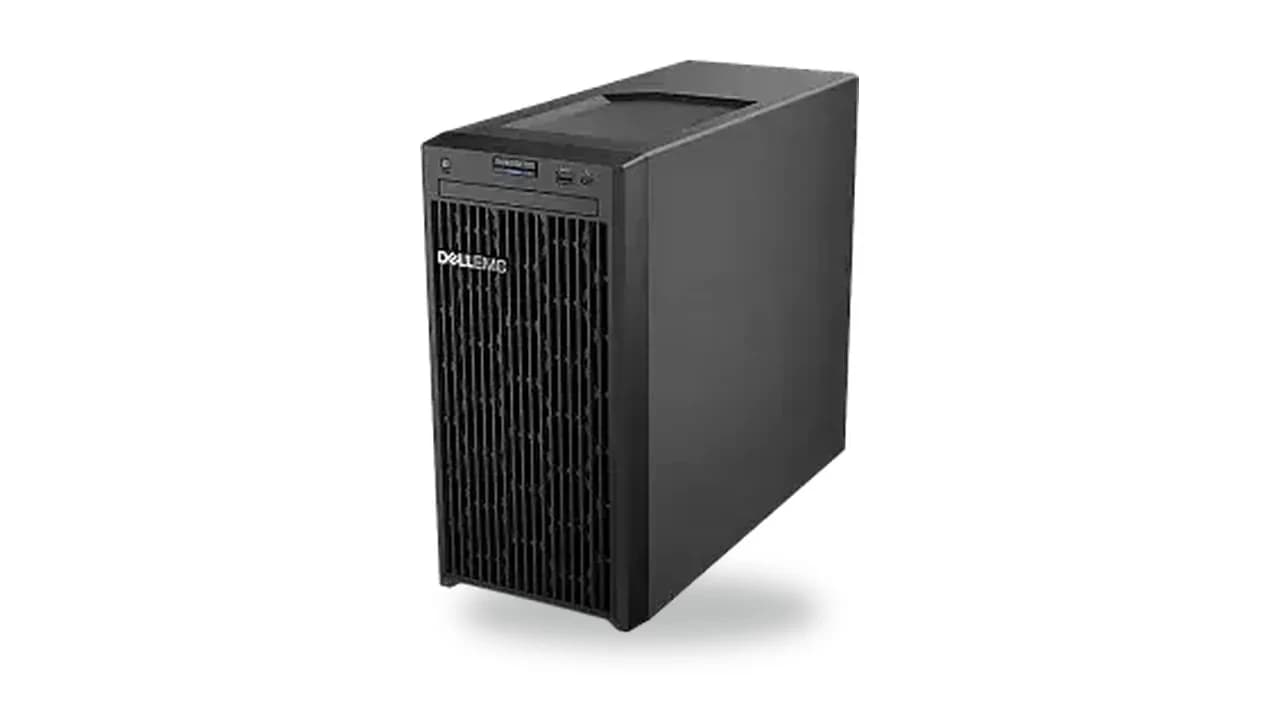
Configure your Dell PowerEdge T140
Refurbished, Dell, 14th Gen, mini tower. Lowest-cost entry tower for basic file, print and business apps.
This generation ships refurbished: professionally tested, serial-verified and burn-in checked, with a 1-year warranty.
Drive bays
Pick the bay configuration first; it sets which drives fit. 3.5″ (LFF) bays also take 2.5″ drives via an adapter; 2.5″ (SFF) bays take 2.5″ only.
Processor model
Pick the processor. A second CPU unlocks the remaining memory slots and PCIe lanes.
Memoryoptional
Add memory modules. Quantity is capped by the available DIMM slots.
Storage controlleroptional
Remote managementoptional
Power supplyoptional
This platform takes a single power supply. Wattage follows your CPU choice.
Networkoptional
Drivesoptional
Add drives up to the chassis bay count. Capacity, interface and media only, brand chosen at build time.
adapter: a 2.5″ drive mounts in a 3.5″ bay via a bracket (included in the quote).
About the Dell PowerEdge T140
The Dell PowerEdge T140 is a mini tower 14th Gen platform on Socket H4 (LGA1151). It holds up to 4 DDR4 memory modules and up to 4× 3.5″ cabled, and configures here from the bare chassis: processor, memory, storage controller, network, power and remote management.
- Platform
- Dell 14th Gen
- Form factor
- mini tower
- CPU sockets
- 1× Socket H4 (LGA1151)
- Memory
- 4 × DDR4 DIMM
- Storage bays
- up to 4× 3.5″ cabled
- PCIe GPU
- Not on this model